


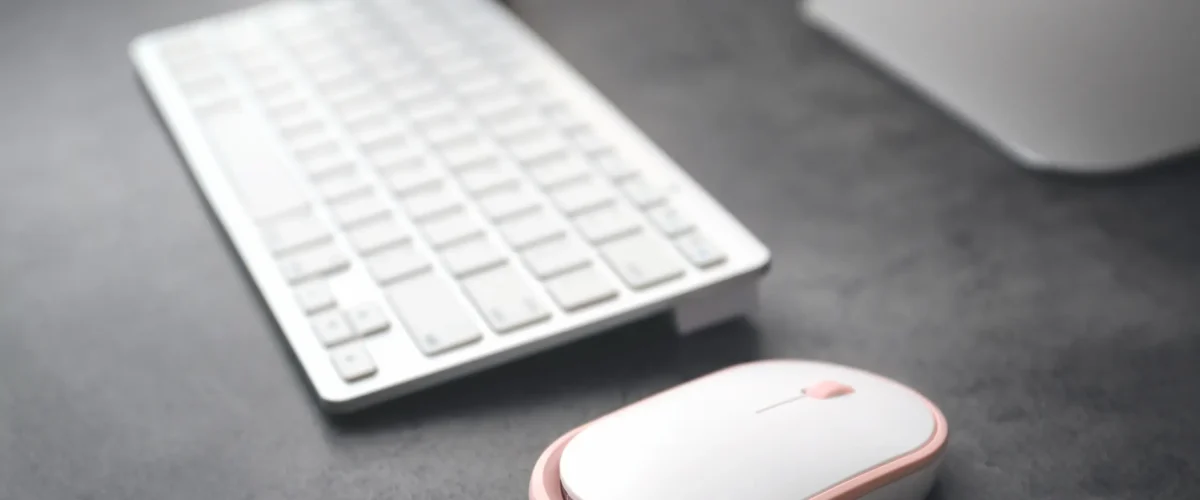
Wireless | Wired Mouse
For Wireless Mouse
Troubleshoot steps
Try a different USB port (or replace batteries in a wireless mouse).
Test the mouse on another computer to determine if the issue follows the device.
Clean the mouse sensor and feet; ensure the surface is suitable
Mouse pointer is not moving
Possible causes: driver issue, USB/PS/2 port problem, hardware fault.
Double-clicking is too quickly or not clicks
Could be USB not detected or faulty mouse clicks button
Pointers freeze or not Moving
Often driver conflicts, background software, or USB not setting Check Mouse settings
Wireless mouse disconnect frequently
Replace Battery , Check USB Port , check Bluetooth receiver etc.
Mouse pointer is not moving
USB/receiver might be loose Try unplugging and re-plugging the mouse/receiver. Use a different USB port. Battery power might be down : Replace batteries Faulty mouse: Try another mouse on the same computer to see if the issue persists. Use a clean, flat, non-glossy surface or a mouse pad. Incorrect Software driver: Open Device Manager (Windows) or System Information (macOS) and check for driver issues; update or reinstall the mouse driver.

Wireless | Wired Keyboard
For Wireless Keyboard
Troubleshoot steps
Try a different USB port (or replace batteries in a wireless Keyboard).
Test the Keyboard on another computer to determine if the issue follows the device.
Clean the Keyboard keys ensure it
Keys are not responding or only some keys work
Physical keyboard issues: dust, debris, or a stuck key; a damaged membrane or key switch.
Keys are producing the wrong characters
ncorrect keyboard layout: Windows language/keyboard mismatch. Language bar not switched correctly: multiple layouts installed and active.
Repeated keys or multiple characters per press
Key repeat settings misconfigured: repeat delay or repeat rate too aggressive. Debris or stuck keys causing repeated input.
Special keys (function keys, media keys) not working
Fn key mode or hardware toggle: some laptops require Fn + function key to enable. Manufacturer utilities not installed or outdated: keyboard control software missing.
Double-clicking is too quickly or not clicks
USB/receiver might be loose Try unplugging and re-plugging the mouse/receiver. Use a different USB port. Battery power might be down : Replace batteries Faulty mouse: Try another mouse on the same computer to see if the issue persists. Use a clean, flat, non-glossy surface or a mouse pad. Incorrect Software driver: Open Device Manager (Windows) or System Information (macOS) and check for driver issues; update or reinstall the mouse driver.
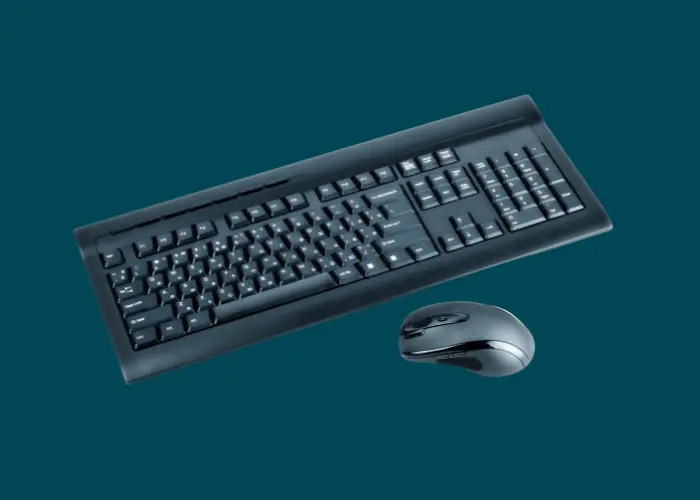
This Is the Main Heading Lorem ipsum dolor sit
Wireless mouse disconnect frequently
USB/receiver might be loose Try unplugging and re-plugging the mouse/receiver. Use a different USB port. Battery power might be down : Replace batteries Faulty mouse: Try another mouse on the same computer to see if the issue persists. Use a clean, flat, non-glossy surface or a mouse pad. Incorrect Software driver: Open Device Manager (Windows) or System Information (macOS) and check for driver issues; update or reinstall the mouse driver.
This Is the Main Heading Lorem ipsum dolor sit
Double-clicking is too quickly or not clicks
USB/receiver might be loose Try unplugging and re-plugging the mouse/receiver. Use a different USB port. Battery power might be down : Replace batteries Faulty mouse: Try another mouse on the same computer to see if the issue persists. Use a clean, flat, non-glossy surface or a mouse pad. Incorrect Software driver: Open Device Manager (Windows) or System Information (macOS) and check for driver issues; update or reinstall the mouse driver.